
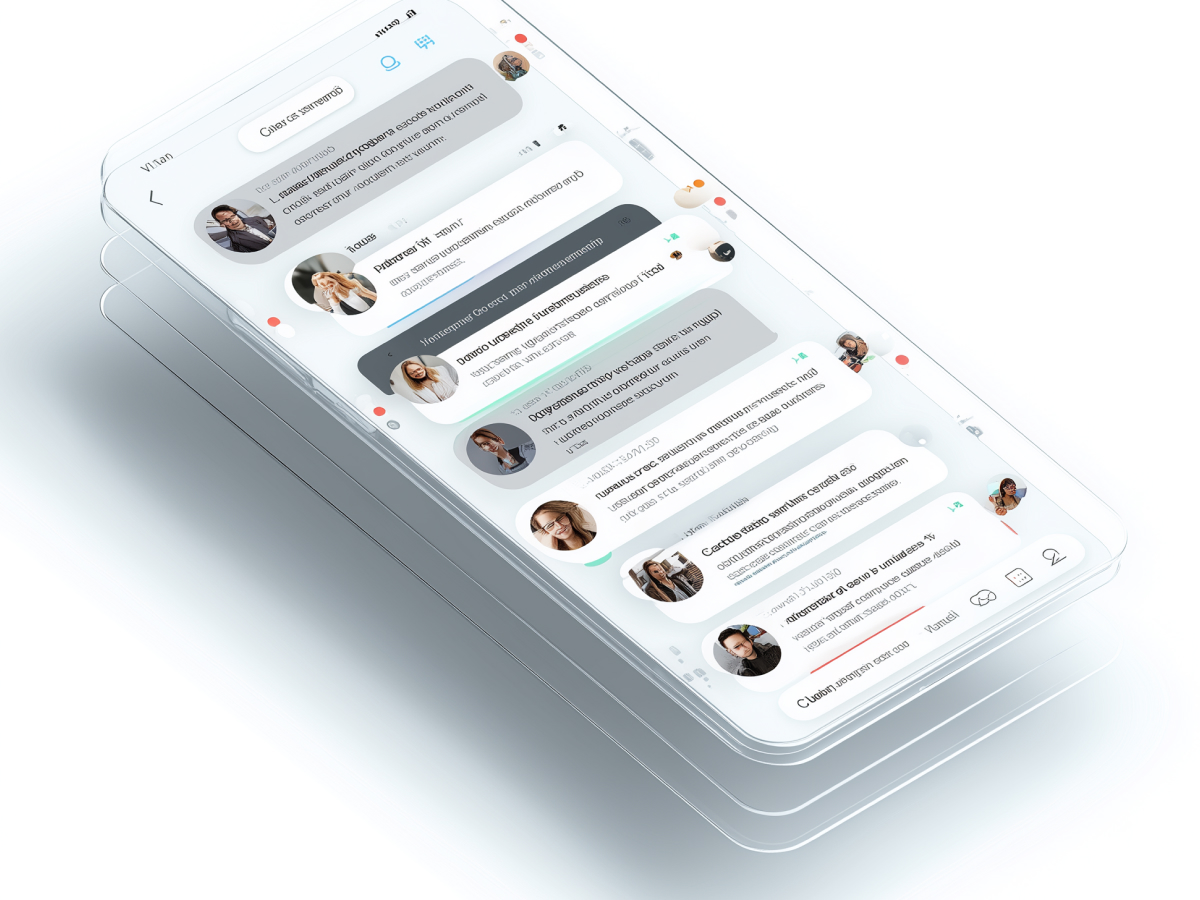
Essential UX principles in messaging apps
A messaging app either works or it doesn’t. It’s binary. If it fails at functionality, people leave. If users struggle to send a message or share a file on your platform, you’ve already lost them. Functionality isn’t negotiable, it’s foundational.
Now, once that’s locked in, comes efficiency. Don’t ask users to take four steps when one will do. Bulk in design slows people down and irritates them. Speed, both in performance and workflow, is what keeps people engaged and coming back. An efficient design keeps interaction friction low, and that scales.
You can’t ignore design. Users shouldn’t have to read documentation to use a messaging app. Intuitive interfaces, where people naturally understand what to tap, win. Design that explains itself builds trust and reduces churn. And then there’s the visual factor. Make it clean. Make it compelling. The design should feel intentional, modern, not bloated.
Balance all four: reliability, speed, intuitive feel, and design aesthetics. Nail those, and you build experience that users enjoy enough to stick with. That stickiness pays off with retention, reduced support costs, and higher lifetime value.
The C-suite needs to see UX as core infrastructure, not a visual afterthought. Executive focus often sits on marketing, pricing, and growth, but a simple failure in usability tanks everything else. Great UX creates fewer support tickets and higher engagement without spending more on customer acquisition. It makes every dollar spent on product development worth more.
Addressing UX challenges to enhance engagement
Most messaging apps fail in subtle, frustrating ways. Poor navigation. Hidden features. Confusing group threads that bury important replies. These aren’t minor inconveniences, they’re reasons people switch to competitors. The problem is predictable, and so is the solution.
Clarity wins. Start with structure, menus that don’t overwhelm, actions that are obvious, and clearly labeled buttons. Layer on a serious search function. People don’t want to scroll endlessly to find a message from last week. Putting a search bar in the chat list makes life easier, for them and for your support team.
Group messaging typically causes the most communication breakdowns. Without message-specific replies or reactions, users lose context fast. Add structure and tools for clarification, and watch engagement go up. Better context equals faster group decisions and fewer drop-offs.
For senior leaders, these enhancements aren’t about cosmetic updates. They fix communication bottlenecks, which directly affect team productivity, customer satisfaction, and internal support load. This is where small UX investments unlock operational scale. Executing on clear layout, reply threading, and smart notifications doesn’t just help users, it raises internal KPIs across retention, engagement, and workflow adoption.
Differentiation through standout messaging apps
If you’re building a messaging app today, you’re not starting in neutral territory. The market is already defined by giants like WhatsApp, WeChat, and LINE, each taking a different angle on what user experience should mean.
WhatsApp dominates for a reason. It delivers what users care about: dependable messaging and file sharing in a simple interface. Photos, videos, links, voice notes, it accepts them all, instantly and without friction. With over 1 billion users in more than 180 countries, its infrastructure and design are clearly working at scale. It’s not the most customizable app, but it doesn’t need to be. It’s consistent, clean, and reliable.
WeChat proves that messaging apps can extend far beyond messages. Built for more than chat, it integrates payments, public content, and social elements. Everything is inside one ecosystem. This consolidation of features, combined with smart customization like editable themes and notification preferences, has given it a 4.5/5 design rating from users surveyed. People stay in the app because it solves more than one problem.
LINE, on the other hand, adds energy with a highly visual, engaging interface. Bright colors, expressive stickers, personal themes, interaction is fun, not just functional. It supports personalization at scale. That freedom keeps users engaged, especially in younger demographics and cultures where digital self-expression drives loyalty.
What matters for the C-suite is recognizing that feature sets alone don’t guarantee success. UX decisions define market position. WhatsApp thrives on simplicity, WeChat on multi-functionality, LINE on visual appeal and personalization. Choosing a direction means aligning product focus with a clear understanding of the user base. Investing in differentiation through UX is one of the few remaining defensible strategies in saturated software categories.
Enhancing user engagement with an intuitive chat interface
An intuitive chat interface doesn’t confuse people. It encourages frequent use with minimal friction. The mechanics are straightforward, visually distinct message bubbles, clear delivery/read indicators, and the ability to write across multiple lines without cluttering the screen.
These features aren’t for show. They improve comprehension and response time. When you present messages without ambiguity, users trust the system and reply faster. That loop, message, clarity, response, keeps users active. Features like status ticks, timestamp visibility, and automatic formatting for long messages help too. These are visible signals of functionality working without user input.
A clean layout with a natural reading flow matters even more on mobile. If the screen looks crowded or inconsistent, users will drop off, particularly on low-end devices or smaller screens. When you remove that noise, you get higher session durations and lower error rates.
For executives, this isn’t a design choice, it’s about cognitive load and interaction cost. Reducing user brainpower on low-value interface tasks frees them to engage more meaningfully with the actual content. That’s where engagement translates into retention metrics. Invest in intuitive design, and you’re pulling fewer users out of the system with confusion or frustration. You’re also shortening the time from onboarding to full product use, which directly improves customer lifetime value.
Streamlining interactions via a well-designed chat index screen
The chat index screen is not just a prelude, it’s the operational core of the messaging experience. When users open a messaging app, this is their first touchpoint. It must be fast, clearly organized, and immediately useful. A cluttered or slow-loading index breaks confidence before users even enter a conversation.
You need message previews. Users want to gauge importance fast. They shouldn’t have to tap in and out of threads to know what’s worth their attention. Integrated quick actions, mute, delete, mark as read, should do exactly what they imply, instantly and without second steps. These functions keep user control tight and friction low.
Design matters here. Text sizing, icon placement, tap zones, it all contributes to whether the screen feels usable or frustrating. If the layout doesn’t help users navigate seamlessly through active threads and archived ones, it creates cognitive load that slows engagement.
Executives need to understand this screen’s role in operational speed. A well-optimized chat index reduces unnecessary clicks, anticipates intent, and increases the pace of task completion. This has measurable downstream impact: faster customer service in business-use cases, more frequent message interactions in consumer apps, and tighter time-to-value for new users. High-efficiency layout design in this area is not just UX, it’s directly tied to performance and productivity KPIs.
Leveraging visual comfort for enhanced user experience
Visual comfort is a usability asset. When users are reading and responding for hours each day, even small design mistakes become distractions. Implementing balanced layouts with clean dialogue bubbles and neutral backgrounds helps maintain user ease, and encourages longer sessions.
Rounded message bubbles contribute clarity by separating exchanges visually. They reduce visual clutter and assist in quick scanning during fast-paced conversations. Complementary tones across bubbles, background, and icons bring cohesion so nothing feels out of place or too loud. You do not want colors or shapes pulling attention away from the text.
Text contrast matters. Muted tones help achieve a modern, unified look, but they must still support visual clarity. If a design trend sacrifices accessibility, it damages the interface’s long-term viability. Good design is quiet, it doesn’t demand attention, it enables it.
For C-suite leaders, the visual design isn’t about surface polish, it’s about reducing attrition caused by fatigue. Overlooking visual comfort has real costs: shorter session times, higher abandonment among sensitive demographic groups, and more UI-related support tickets. Executives should prioritize design consistency and comfort alongside performance objectives. Visually comfortable interfaces reduce user stress and increase satisfaction without requiring additional functionality.
Optimizing message composers for expressiveness and accessibility
The message composer is the user’s main action point. Every interaction starts or ends here. A weak composer slows people down, limits how they communicate, and degrades the overall experience. A high-functioning composer makes actions intuitive, typing, recording, attaching, or dictating, so users don’t have to think too much.
Rich text support gives users control. Bold, italics, bullet points, these aren’t minor features. In many contexts, especially for business or group discussions, formatting enables clarity. Attachment buttons must be clearly placed and instantly responsive. Users need to know where to tap and what will happen when they do it.
Voice input is increasingly relevant. Many users, especially in fast-paced or mobile-heavy regions, prefer speaking over typing. Including voice capture without latency, and with error handling, is no longer optional. Accessibility also needs a front-row seat. Screen reader compatibility, high-contrast settings, and feedback on button taps ensure that the app works well for everyone, regardless of their physical abilities or environment.
For business leaders, this part of the UI is closely tied to productivity, inclusivity, and engagement. Every second saved in composing a message or attaching a document adds up, especially as usage scales across teams or user bases. More importantly, accessibility features demonstrate alignment with market expectations and regulatory directives. An accessible product isn’t just good ethics, it’s good business. It opens your platform to broader segments without sacrificing performance.
Accelerating development through UI kits
Time is leverage. UI kits give development teams the ability to move faster without compromising consistency. When these kits are designed well, they include reusable interface elements, embedded logic, and styling aligned with current design systems. That’s not just design support, it’s full-stack acceleration.
CometChat UI Kits are a strong example. They include modular components, chat bubbles, send buttons, file pickers, all customizable. These pre-integrated pieces update with industry trends, saving teams hours of manual design review and development. And these kits typically support multiple frameworks, making frontend integration easier regardless of the tech stack being used.
More importantly, they preserve design quality. Without a shared system, teams run into inconsistency as products evolve. UI kits keep standards aligned and reduce the risk of user interface fragmentation, which is one of the top causes of user confusion in scaling products.
For C-level executives, UI kits are not just about speed. They represent risk reduction. By using tested, reusable components, teams avoid unnecessary inconsistency across devices or platforms. This means fewer bugs, less QA churn, and lower lifetime maintenance cost. It allows high-quality features to reach market faster. That shortens the distance between roadmap and release, which directly supports growth and competitive advantage.
The developer’s role in sustaining superior UX
A good design concept doesn’t reach users unless developers execute it well. Development teams bridge vision with reality. They are responsible for turning UX priorities into actual, functioning products, across platforms, screen sizes, and usage contexts. That requires precision in both code and design interpretation.
Consistency across devices matters. If a messaging app performs differently on desktop than mobile, users notice. Developers need to ensure continuity, same features, same layout logic, same responsive interaction flow. Syncing user experience across platforms is no longer optional. Fragmented behavior creates support issues and weakens user trust.
Incorporating user feedback is where real gains happen. Friction points don’t always show up in design mockups, but they appear in behavior data and customer feedback. Developers must be part of feedback loops, collaborating with design and product teams to iterate rapidly. Regular UX audits allow them to track what’s failing, what’s working, and what needs refinement.
C-suite leaders often focus on features and delivery timelines. That’s relevant, but UX outcomes depend heavily on how development teams handle the details, latency, responsiveness, design fidelity, and edge-case handling. When developers are empowered to act on user insight and design intent, the result is measurable: higher satisfaction scores, reduced churn, and faster onboarding. Clear UX documentation, tight QA alignment, and a short feedback loop between engineering and real users are critical execution levers for leadership. These aren’t cost centers, they’re part of the product’s performance.
Concluding thoughts
Great user experience isn’t a design trend, it’s a product decision with business consequences. In messaging apps, UX drives adoption, engagement, and long-term retention. It affects how quickly users onboard, how often they return, and how likely they are to recommend the platform.
For leaders, the takeaway is simple: prioritize functionality, clarity, and responsiveness across every layer, interface, infrastructure, and workflow. Invest in intuitive design, streamline across devices, and close the gap between what users need and how your product delivers it.
The teams that win understand that UX isn’t just how things look, it’s how things work. Build that into your strategy early, align development and design teams around it, and treat user feedback as an ongoing data stream, not a one-time signal. You don’t need to overspend to compete, you just need to remove every reason a user might stop using your app. That’s where real product loyalty begins.


A project in mind?
Schedule a 30-minute meeting with us.
Senior experts helping you move faster across product, engineering, cloud & AI.