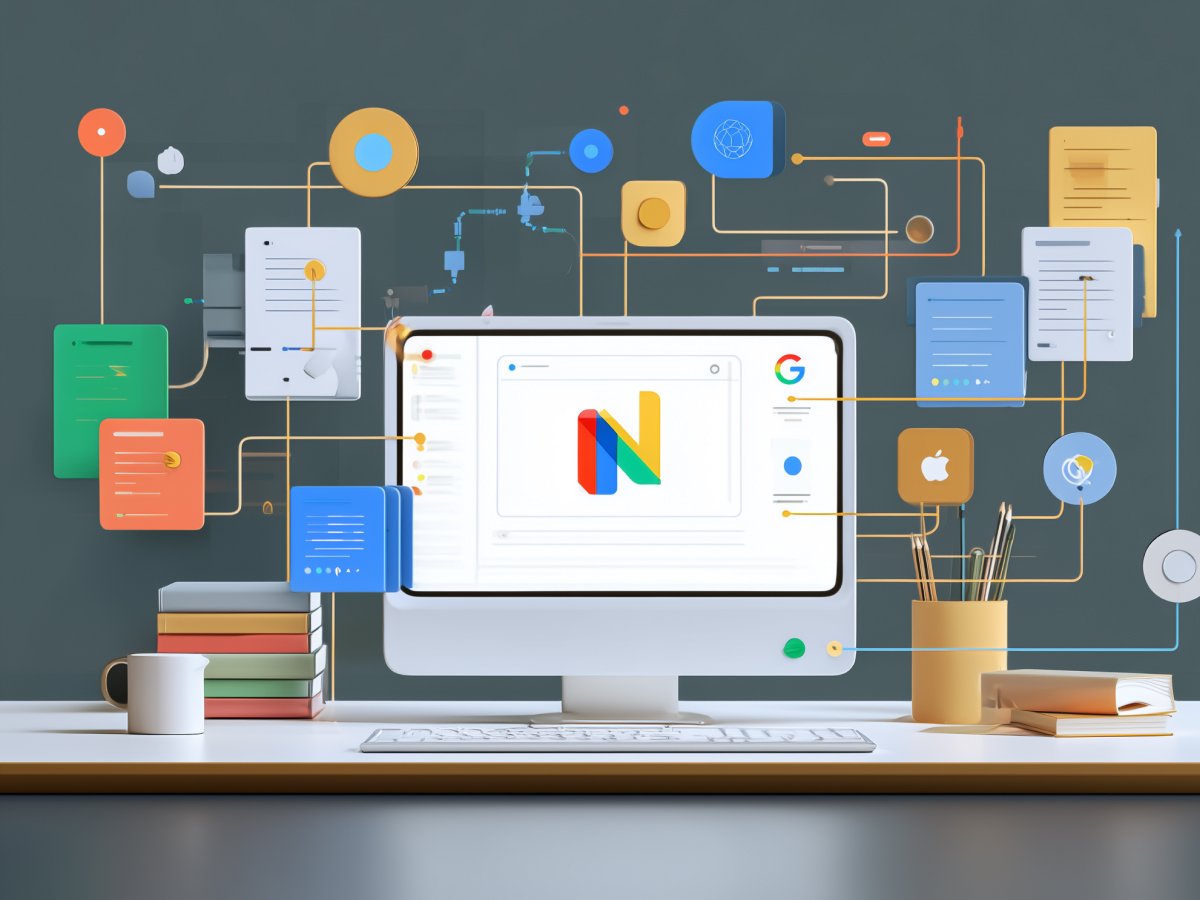
Integrating Google Search Console with looker studio creates a unified analytics environment
If you’re leading marketing or handling performance data at scale, fragmentation is one of your biggest obstacles. Search Console offers deep insights into how your content performs on Google, what people search for, how often you appear, and how users interact with your pages. But when you isolate this from the rest of your marketing analytics stack, you’re missing context. That context is where value lives.
Integrating Search Console with Looker Studio lets you bring that context into view. Now you’re seeing search performance alongside user behavior from Google Analytics, campaign results from Google Ads, and anything else you feed into Looker. Instead of toggling between dashboards, you’re making decisions based on a single, consolidated truth.
This isn’t just incremental improvement, it’s functional transformation. Suddenly, organic search is connected to business KPIs like conversions, revenue, and customer lifetime value. That visibility allows you to adjust budget, influence strategy, and respond quickly to what the data says, especially when the data stops being just a report and becomes a business signal.
Executives should pay attention here. Marketing teams can move faster, make smarter bets, and justify those bets better when their data isn’t trapped in silos. And when you’re talking about millions in customer acquisition costs and retention bets, you need that level of operational clarity.
Marketing teams benefit from applying both site-level and URL-level aggregation methods in their reports
When you’re looking at performance, scale matters, but specificity matters more. Search Console gives you both. You can view your data from the top down (using site impressions at the domain level) or from the ground up (looking at individual URL performance). Most teams pick one, and that’s a mistake.
For a complete picture, you need both levels. Site impressions help you spot directional trends. Are your brand terms driving traffic? Is your domain gaining visibility? Good context, great for strategy. URL impressions tell you what’s actually working. You can see that a certain blog post ranks top 3 for a long-tail keyword but fails to convert. That insight helps marketers act where it counts.
Enable both. Set up separate data sources within Looker Studio, one for site-level, one for URL-level, then combine them in your reporting layer. What you get is flexibility and depth. It’s not one or the other, it’s the entire field.
From a C-suite perspective, here’s the edge: you’re not depending on defaults or diluted views. You’re pressing into the data and unlocking operational clarity. As your business scales, more keywords, more verticals, more regions, your ability to pivot at both macro and micro levels will define your speed. And in fast-moving markets, speed is leverage.
Credential management is essential for balancing data accessibility and security in the integration process
When connecting Search Console with Looker Studio, the access credentials you choose shape how your team operates. It’s a technical step, but it has strategic consequences. There are three access methods, owner’s credentials, viewer’s credentials, and service accounts. Each comes with a tradeoff between control and usability.
Owner’s credentials allow team-wide access to reports without requiring each person to log in to the source system. It simplifies access and speeds up collaboration. But it also means that you’re assuming a baseline level of trust and data governance across your team. Viewer’s credentials bring tighter access control. Each user logs in with their own account to access the data, more secure, but also more friction. Service accounts automate access for large environments. They’re efficient, especially for enterprise teams managing thousands of rows across multiple properties.
As a leader, this isn’t a purely technical decision, it’s about aligning access control with how your teams actually work. If marketing is cross-functional, agile, and often changing roles or responsibilities, frictionless access can maintain momentum. But if you’re in a high-compliance industry or handling sensitive data, you’ll need stronger controls and authentication policies.
The point is, don’t leave credential selection as an afterthought. Decide based on your organization’s security posture, team structure, and collaboration model. And revisit it regularly as those evolve. Tools should open doors, not create risk.
Integrated search console data can be used strategically to drive tangible marketing performance improvements
Once you integrate the systems and give teams access, you unlock far more than passive reporting. Search Console data, combined with other platforms in Looker Studio, gives marketers the ability to act in real time and prioritize based on what will deliver results. That’s where the real value shows up.
For instance, overlaying organic impressions from Search Console with paid search data from Google Ads identifies overlap or opportunities between the channels. That informs better budget allocation. Merging traffic data with conversion insights lets you detect content that draws visitors but doesn’t convert. Now you know what to optimize, not just what to report. Tracking impression share and position gives competitive context, where you stand, where you’re losing, and where the market is moving.
It doesn’t stop at visibility. Structuring reports by search type, web, image, video, news, lets you align analysis with how your business actually generates value. Ecommerce, publishing, B2B, each one plays differently, and this integration supports that with configuration rather than overhaul. And when you tailor Looker Studio dashboards with your organization’s KPIs and reporting cadence, the data flows into decisions, not just dashboards.
This is a shift from running reports to steering strategy. For C-suite executives, what matters is precision. You can see how brand search drives revenue, how shifts in search behavior mirror market volatility, and how your top-performing content lines up with real business impact. Integrations are infrastructure, and here, they give you the clarity to win.
Executive dashboards built from integrated data help tie SEO efforts to broader business results
When SEO lives in isolation, it’s treated as a tactical lever, volume, rank, traffic. But when search performance is connected to revenue, conversions, and operational metrics within one dashboard, it becomes a core driver in executive decisions. That’s what integrated reporting enables.
Pulling data from Search Console into Looker Studio, alongside systems like Google Analytics and Google Ads, gives you a dashboard that maps content output directly to financial input. Now, instead of arguing over traffic growth, teams can prioritize which pages to enhance, pause, or repurpose based on business impact. You get visibility into how organic performance supports funnel health, from top-of-funnel discovery to bottom-of-funnel conversions.
This matters at the executive level. Leadership isn’t looking for keyword rankings, they’re looking for cause and effect. Dashboards that link SEO data to KPIs like customer acquisition costs, revenue uplift, or retention metrics bring clarity to spending decisions and make marketing accountable in measurable terms.
When your dashboards are built right, they take pressure off reactive reporting and focus decision-making on outcomes. Teams stop debating assumptions and start reacting to signals. That change in how decisions are made compounds, operational velocity increases. Allocation no longer relies on gut feel. It’s grounded in real-time visibility on what works, what doesn’t, and why.
Success metrics should evaluate both analytics efficiency and broader organizational impact
If you’re investing in Search Console, Looker Studio integration, measuring success can’t stop at whether the dashboard loads or reports run. The value comes from changes in team behavior, data-informed decisions, and business performance. That’s what should guide your metrics.
Marketing managers should be tracking operational efficiency, how long it takes to generate insights, how often those insights are used, whether collaboration across SEO, paid, and product teams has improved. More importantly, you want to measure the downstream impact. Is organic search converting better? Are channel investments being reprioritized based on data? Are reporting cycles getting shorter, sharper, more aligned with leadership expectations?
These are signals of real value. They show that the integration isn’t just solving a reporting issue, it’s rewiring how the organization processes data to make better strategic calls.
For the C-suite, return on tools like this is measured by outcomes at scale: faster decision cycles, more accurate forecasting, and deeper confidence in marketing’s ability to deliver results. You don’t need complex KPIs to see it. Look at the pace and quality of marketing-driven decisions before and after the integration. If both improve, you built something that matters.
Integrating search console with additional platforms enhances strategic capabilities and deepens insight
Once a team has established the foundation, basic integration between Search Console and Looker Studio, it’s time to expand. That means pulling in more systems. Combining Search Console with customer relationship management (CRM) data helps teams understand how organic behavior varies across customer types, cohorts, and segments. Pairing it with social media analytics highlights which content performs consistently across platforms, and where there’s untapped demand.
These aren’t isolated data layers. Together, they build a multidimensional view of content performance, user behavior, and channel contribution. Now your search traffic isn’t just measured by sessions, it’s linked to customer journeys, contract values, referral potential, and product adoption trends. Data becomes intelligence when it’s stitched together across systems.
For business leaders, this step marks the difference between having a reporting stack and having a growth platform. As integration depth increases, so does organizational learning. Patterns surface faster. Marketing responds faster. Cross-team collaboration tightens. And when leadership sees function-level data translated into company-level strategy, alignment strengthens.
Every stage of this data maturity drives more value. Start with accurate reporting. Then build strategic applications. Then integrate horizontally across business systems. If you’re not moving through those stages, you’re not capturing the full upside of your data infrastructure. At this level, it’s no longer about tools, it’s about how your company turns data into competitive advantage.
In conclusion
Data only becomes valuable when it drives action. Integrating Google Search Console with Looker Studio turns fragmented insights into unified intelligence, intelligence that cuts through noise and supports faster, clearer decisions.
For business leaders, this isn’t just a tech upgrade. It’s about building infrastructure for better thinking. When marketing, product, and strategy teams operate from the same source of truth, execution gets sharper. Response time improves. Strategic alignment becomes the norm, not the exception.
You don’t need more dashboards. You need the right ones, built on connections that matter. This integration delivers that. It gives you the levers to understand performance at both the macro and micro level, and the confidence to act on it.
The future of marketing is precision. And this is one way you get there.